01 / BEGIN
Download and open.
Get MEMTREVE on your Mac and launch it. You can start with the free edition (11.2 MB; requires macOS Tahoe 26.6 or later).

GETTING STARTED WITH MEMTREVE
You don't need to reorganize your life. Start with one photo, note, or file worth remembering. MEMTREVE gives it a place to live—and a way back when you need it.
Free for Mac · No subscription
Requires macOS Tahoe 26.6 or later · 11.2 MB
FOUR EASY STEPS
The best introduction isn't a tutorial full of buttons. It starts with a blank canvas, then one familiar item—and the moment you realize how easily you can find it again.
01 / BEGIN
Get MEMTREVE on your Mac and launch it. You can start with the free edition (11.2 MB; requires macOS Tahoe 26.6 or later).
02 / CAPTURE
Drag in a photograph, PDF, note, or another item that means something to you.
03 / RECALL
Look for a title, name, phrase, or detail you remember. Start with the association, not a folder.
04 / CONNECT
Add something related: another photograph, a document, or a note with useful context. Let your collection become more meaningful over time.
This is how MEMTREVE begins: calm, clear, and ready for the first thing you want to keep. No clutter. No setup ritual. Just a place to begin.
That first blank screen is part of the story. It shows exactly what a new user sees before the first memory arrives.
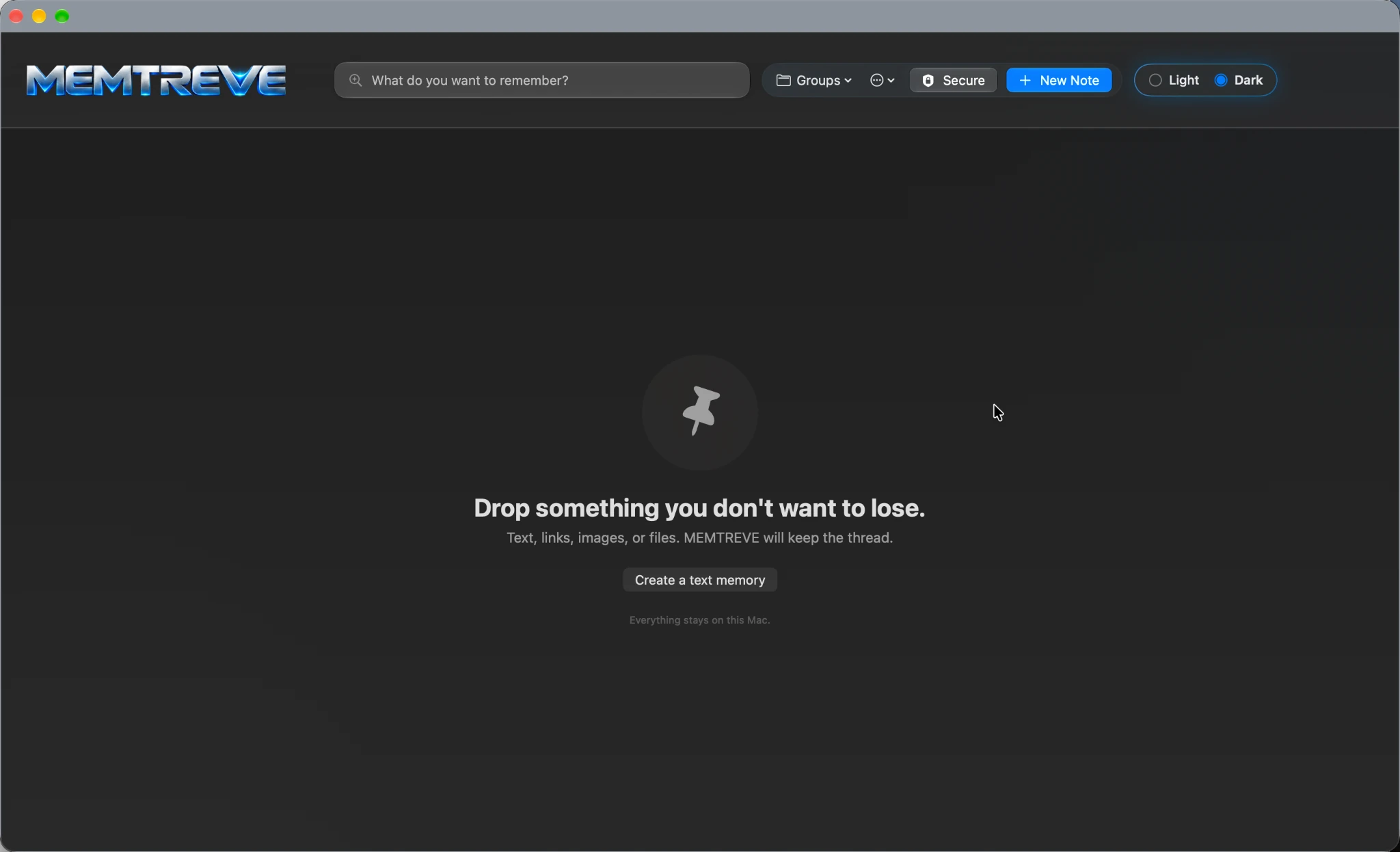
A picture from a trip. A saved document. A note you don't want to lose. There's no special starting format and no elaborate filing system to build.
Start small. Keep adding what matters.
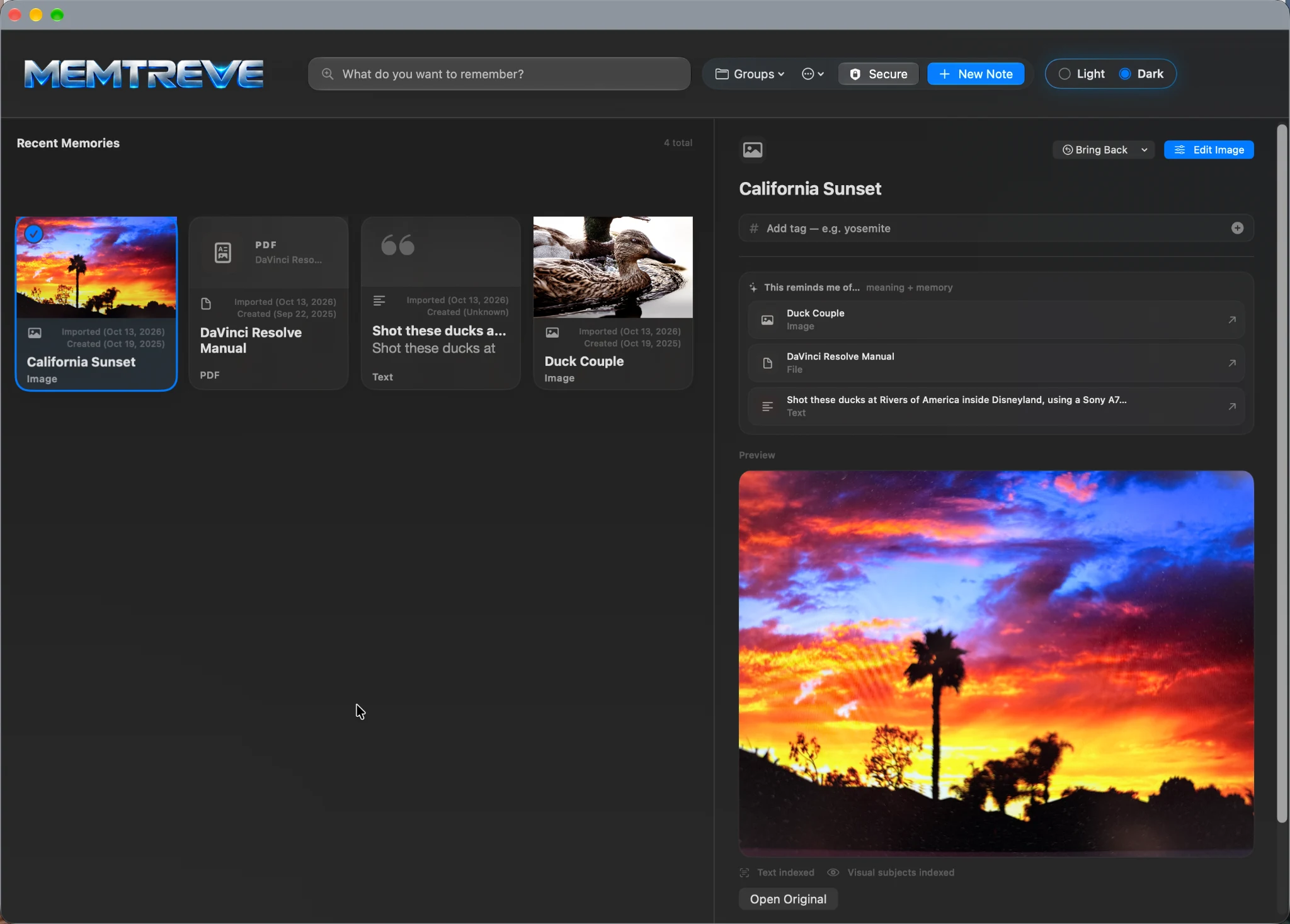
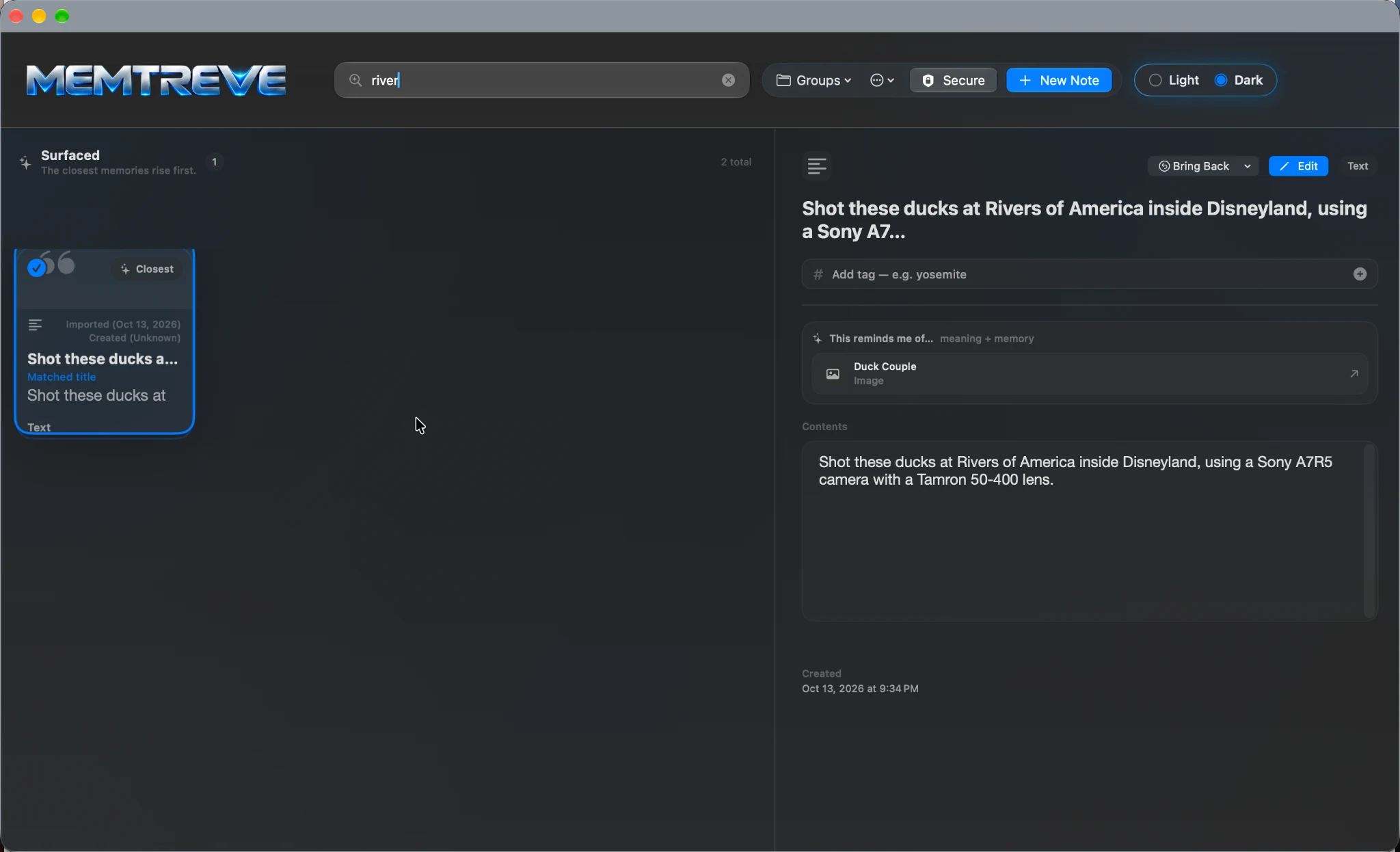
You might recall a place but not a filename, or a name but not where you saved the document. Use whatever clue comes to mind.
That's the idea behind MEMTREVE: your brain makes associations, and MEMTREVE makes those associations retrievable.
A TWO-MINUTE EXPERIMENT
Choose a photo from a day you remember. This small exercise shows why the story around a memory can be just as valuable as the file itself.
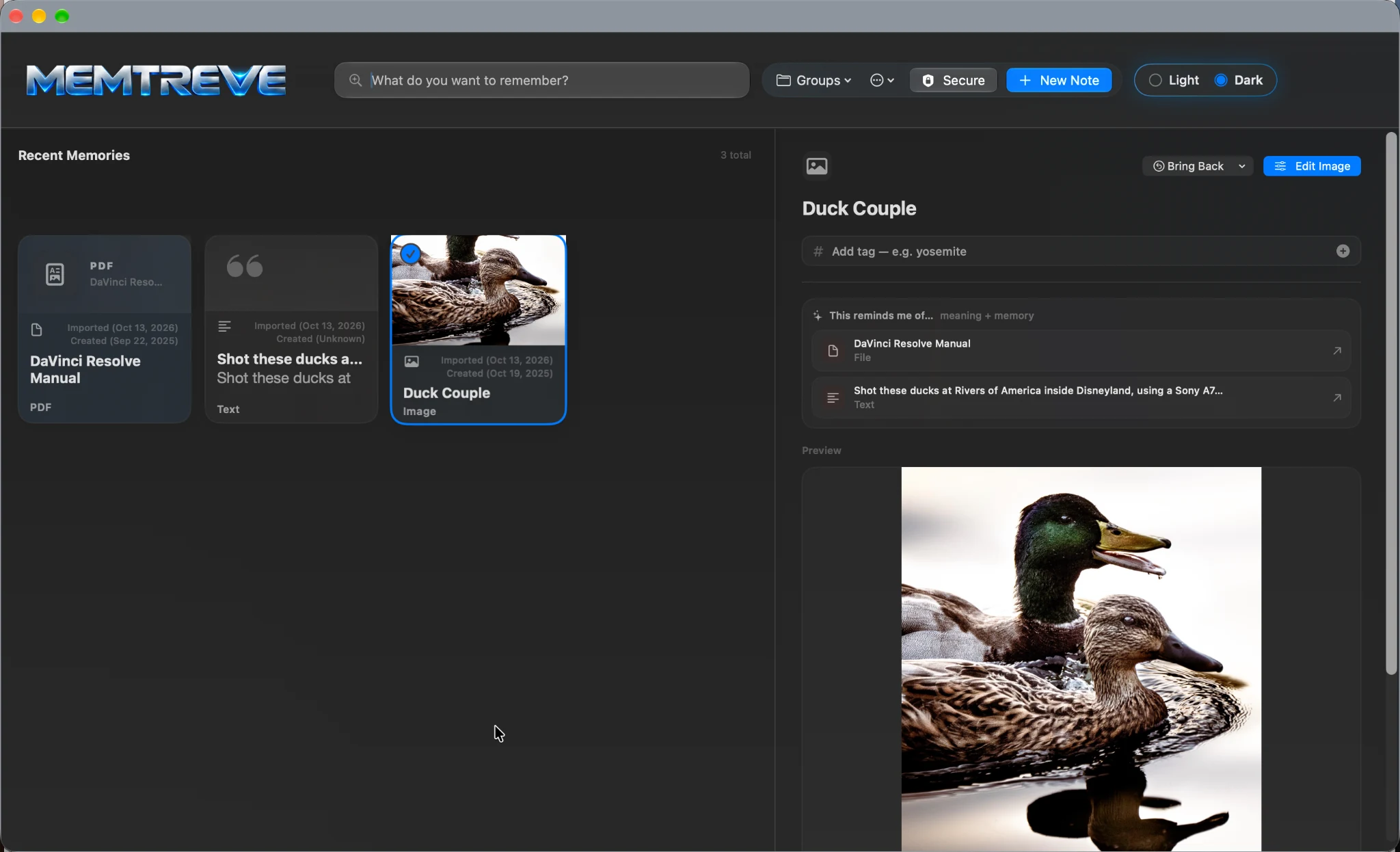
Open a photograph and see the other pieces of its story. A note about the day, a related document, or another image can help bring the context back.
This is the point of MEMTREVE: keeping the connections alongside the things themselves.
GOOD TO KNOW
No. You can start with a single item and build from there. MEMTREVE is designed around finding what you remember, not requiring you to create a complex folder system.
MEMTREVE keeps managed copies of material you add. Your source files aren't meant to be altered just because you bring them into your collection. For detailed handling and supported formats, see the User Manual.
Yes. MEMTREVE Mobile Pro is the free iPhone companion for capturing material on the go and bringing it into MEMTREVE on your Mac. See the Mobile Pro overview.
Start with the free Mac app. Professional features can be unlocked inside MEMTREVE with a one-time purchase when you need them—no separate Mac download or subscription.
Need the complete instructions? Visit the MEMTREVE User Manual ↗.
YOUR FIRST MEMORY IS WAITING
Start with one thing worth keeping. The rest will follow.
Download MEMTREVE FreeFree for Mac · No subscription
Requires macOS Tahoe 26.6 or later · 11.2 MB