01 / PRE-ARM
Catch the beginning.
The log stream is armed before the target app launches, so very early launch diagnostics are not missed.
LaunchTrace watches what happens when a Mac app starts and runs, then cuts through the system noise so the events worth investigating stay visible.
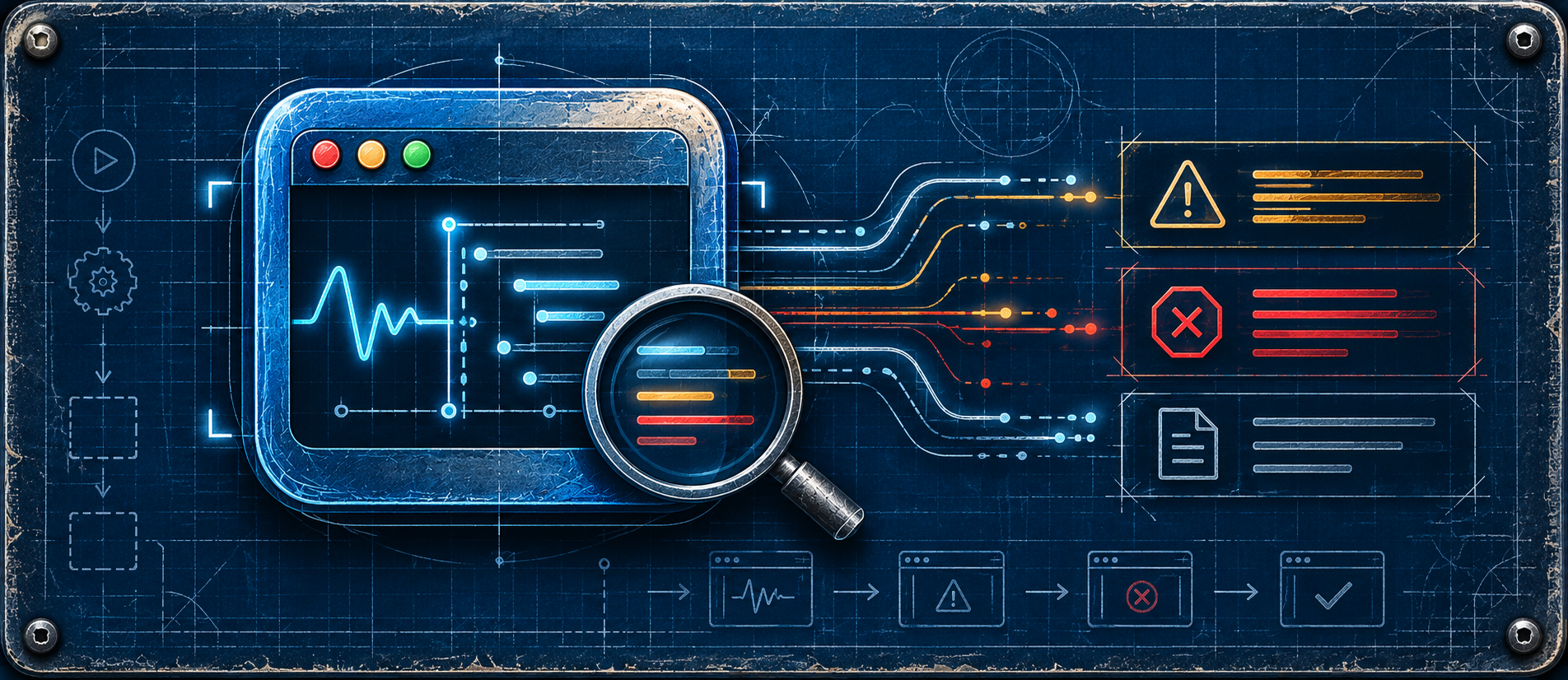
A normal macOS launch can produce a flood of unrelated framework chatter. LaunchTrace captures the session, keeps the structural events, surfaces actionable warnings, errors and crashes, and still lets you inspect the raw stream when you need it.
The log stream is armed before the target app launches, so very early launch diagnostics are not missed.
Actionable view removes routine Apple framework chatter while keeping the launch and runtime events that deserve attention.
Switch to Raw Log whenever you want the complete captured stream instead of the filtered diagnostic view.
Fresh Launch can terminate an existing instance and start a clean launch session for repeatable testing.
Recent launch sessions stay available so you can return to prior diagnostics without losing the current trace.
Copy an individual event or a clean session summary when you need to document, compare or troubleshoot a problem.
Trace started and log capture armed.
Target application launched and PID captured.
Application-authored warning surfaced while routine framework messages remain suppressed.
Actionable launch or runtime failure remains visible for inspection.
LaunchTrace is the companion for the moment after a successful build: the app launches, something behaves strangely, and you need a clean view of what actually happened.
LaunchTrace is free. Download it, trace a launch, and keep the useful signal.